For salon owners
Your salon on autopilot.
Clients book on their own, get a WhatsApp reminder and come back at the right time. You look after whoever is in the chair.
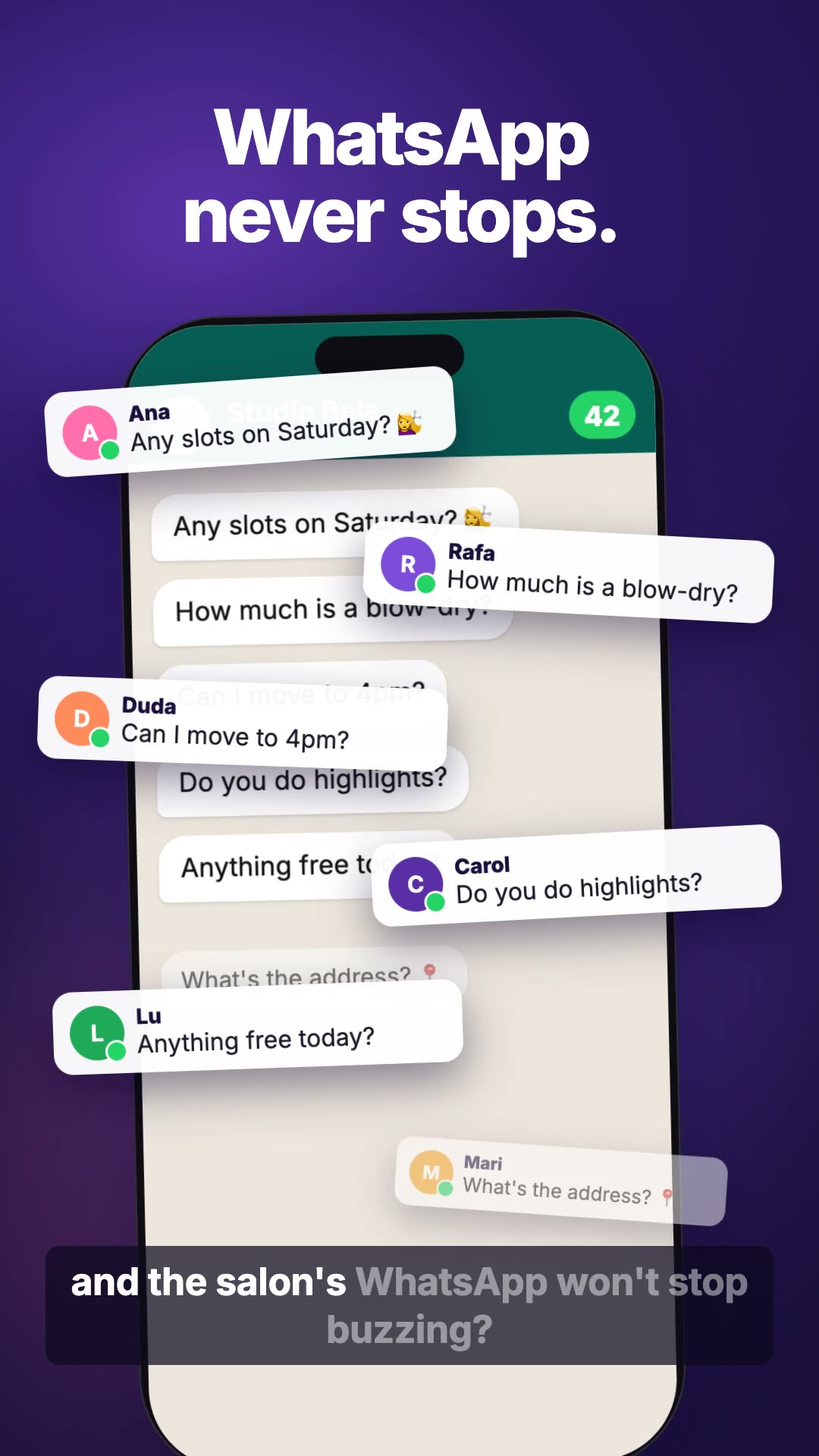
What stops buzzing on your WhatsApp
What eats your day, Nanda handles.
Booking open 24 hours
Clients pick a service and see only the free times of whoever does it. You confirm with a single tap, or let it go straight into the diary.
A reminder the day before
Nanda reminds your client on WhatsApp the day before. Fewer no-shows, a full diary, and no messages at night.
Clients come back
After the visit she asks how it went. When it's time to come back, she invites your client back on WhatsApp herself.
A file for every client
Bookings, notes, packages and conversations for each client, all in one place.
A diary for every professional
Everyone has their own diary and sees only the clients they look after.
Packages
Sell four blow-dries at once. If the client cancels, the session goes back into the package.
A day at the salon, with Nanda.
-
08:30
You open Today: who's coming, who asked for a time, and what needs you.
-
11:10
A client books from the link in your bio, only in Carla's free times.
-
14:20
A client cancels her blow-dry. The session goes back into her package.
-
16:00
Lia is off sick and a client needs to move her visit. One tap and Nanda phones her for the salon; the answer comes back for you to confirm.
-
18:00
Nanda asks everyone who left the salon today how it went.
-
19:00
Tomorrow's reminders are already lined up. None goes out in the middle of the night.
Rescheduling without you calling
The client asks. The diary sorts itself out.
Nanda only offers the free times of whoever does the service. You're the one who confirms, or she does, if you'd rather.
Could I move Saturday's blow-dry to 3pm? 🙏
Carla is free at 3pm on Saturday. I've asked for the change, she'll confirm shortly. 💜
Confirmed, Bia! See you at 3pm. — Carla
What Nanda never does on her own
-
Book outside the free times of whoever does the service.
-
Send a reminder in the middle of the night.
-
Send an e-mail reply before you tap Send.
-
Show a professional clients she doesn't look after.
A link in your bio, a QR code on the mirror, or the salon's WhatsApp.
Whoever comes in says their name and gets a space of their own to book, reschedule and talk to the salon.
Ready in minutes
-
1
Tell Nanda your salon's name.
-
2
Tell her the services, the prices and who does them.
-
3
Share the link: in your bio, on a QR code or on WhatsApp.
Something changed? Just ask. You can adjust everything later.
Frequently asked questions
Do clients need to install anything?
No. They come in through your salon's link and talk on WhatsApp or in the browser.
I have more than one professional. Does it work?
Yes. Each one has her own diary and sees only the clients she looks after.
Can I sell packages?
Yes. If a client cancels a session, it goes back into the package.
Do I have to approve every booking?
You choose: confirm with a single tap, or let it go straight into the diary.