For doctors
Your practice on autopilot.
Patients book on their own, get a WhatsApp reminder and come back on the right day. You look after whoever is in front of you.
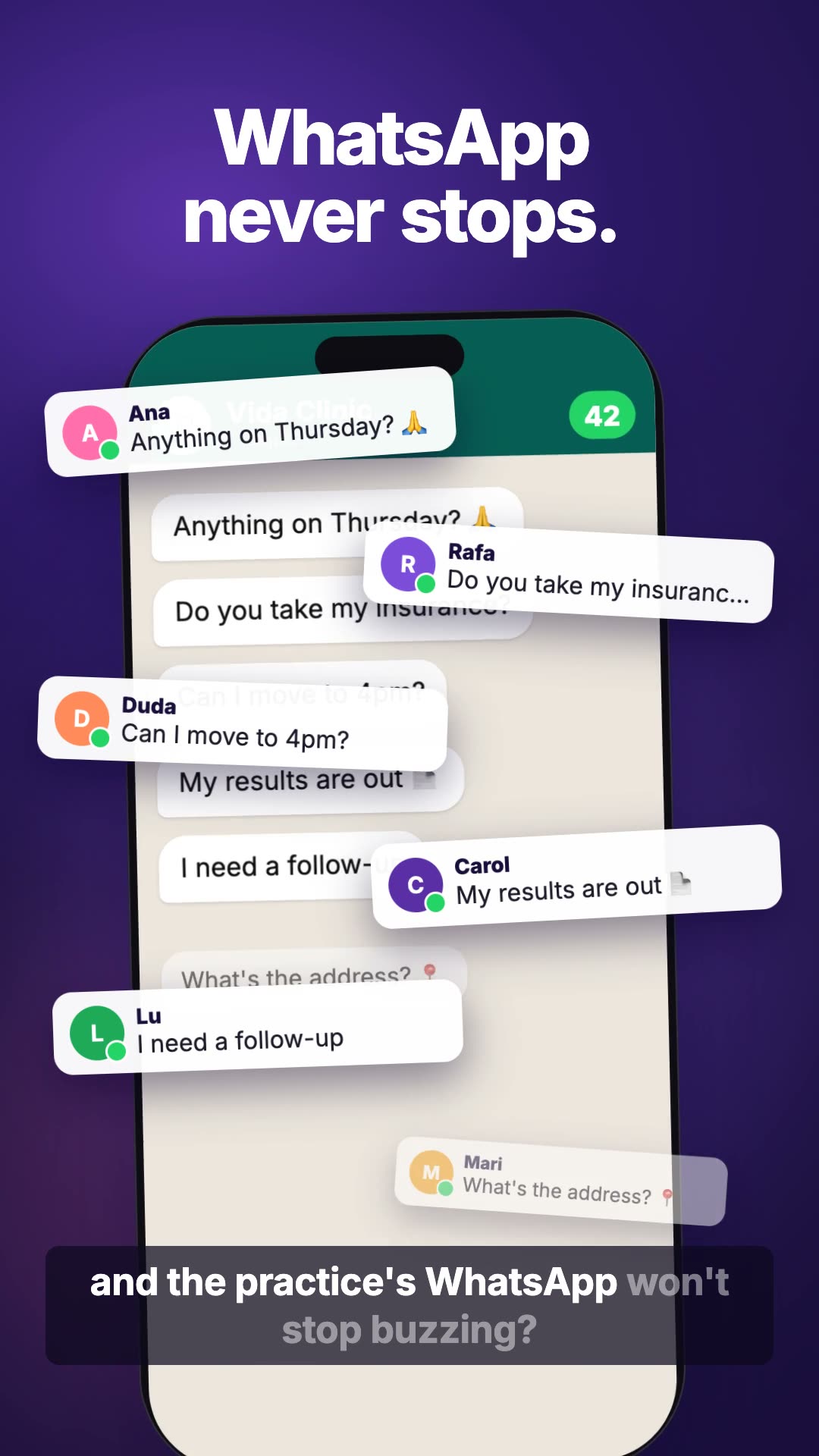
What stops buzzing on your WhatsApp
What eats your day, Nanda handles.
Booking open 24 hours
Patients pick a visit and see only the free times of whoever sees them. You confirm with a single tap, or let it go straight into the calendar.
A reminder the day before
Nanda reminds your patient on WhatsApp the day before, with your instructions: arrive 10 minutes early, bring your insurance card.
Follow-ups on time
When the follow-up you asked for is due, she lets the patient know herself and offers the times.
Results read and summed up
A result comes in? Nanda reads it and sums up what changed. You're the one who checks it, and only then does it count.
Clinical questions come to you
She never answers a clinical question alone: she passes it to you, and your reply reaches the patient in your name.
A file for every patient
Visits, results, instructions and conversations for each patient, in one place. Each professional sees the people they look after.
A day at the practice, with Nanda.
-
07:45
You open Today: who's coming, who asked for a time, and what needs you.
-
10:20
A patient books from the link in your bio, only in Dr Lia's free times.
-
13:05
A result comes in. Nanda sums it up and sets it aside for you to check.
-
15:10
A patient needs to move a visit. One tap and Nanda phones her for the practice; the answer comes back for you to confirm.
-
16:40
A clinical question arrives on WhatsApp and comes straight to you.
-
17:30
Tomorrow's reminders are already lined up. Nobody had to type a thing.
Clinical safety
Nanda organises. You decide.
Nanda never answers a clinical question. She passes it to the team, and the reply reaches the patient signed by whoever looks after them.
Can I take the new medicine with my blood pressure pills?
I'll pass your question to Dr Lia. Her reply will come here. 💜
Yes, Ana. Take it in the morning, away from coffee. — Dr Lia
What Nanda never does on her own
-
Answer a clinical question.
-
Mark a result as checked.
-
Send an e-mail reply before you tap Send.
-
Show a professional patients they don't look after.
A link in your bio, a QR code at the front desk, or the practice's WhatsApp.
Whoever comes in says their name and gets a space of their own to book, reschedule, send results and talk to the practice. The practice gets an e-mail address of its own, too.
Ready in minutes
-
1
Tell Nanda your practice's name and who sees patients.
-
2
Tell her the visits, the fees, the insurers and the hours.
-
3
Share the link: in your bio, on a QR code or on WhatsApp.
Something changed? Just ask. You can adjust everything later.
Frequently asked questions
Do patients need to install anything?
No. They come in through your practice's link and talk on WhatsApp or in the browser.
Does it work with health insurance?
Yes. You say which insurers you accept and who sees each one's patients.
I have a front desk and more than one doctor. Does it work?
Yes. Everyone on the team signs in with their own access, and each professional has their own calendar.
Does Nanda answer health questions?
No. Every clinical question goes to the team, and the reply reaches the patient with the name of whoever looks after them.